Translation Suggestions
Suggestions allow users to propose changes to strings without editing them directly. The actual string value is changed after a reviewer approves the suggestion.
Suggestions are also how Community Translation works. On a public project, anyone with a Tolgee account can suggest without becoming a member.
How to enable suggestions
Go to Project settings > Advanced > Suggestions mode.
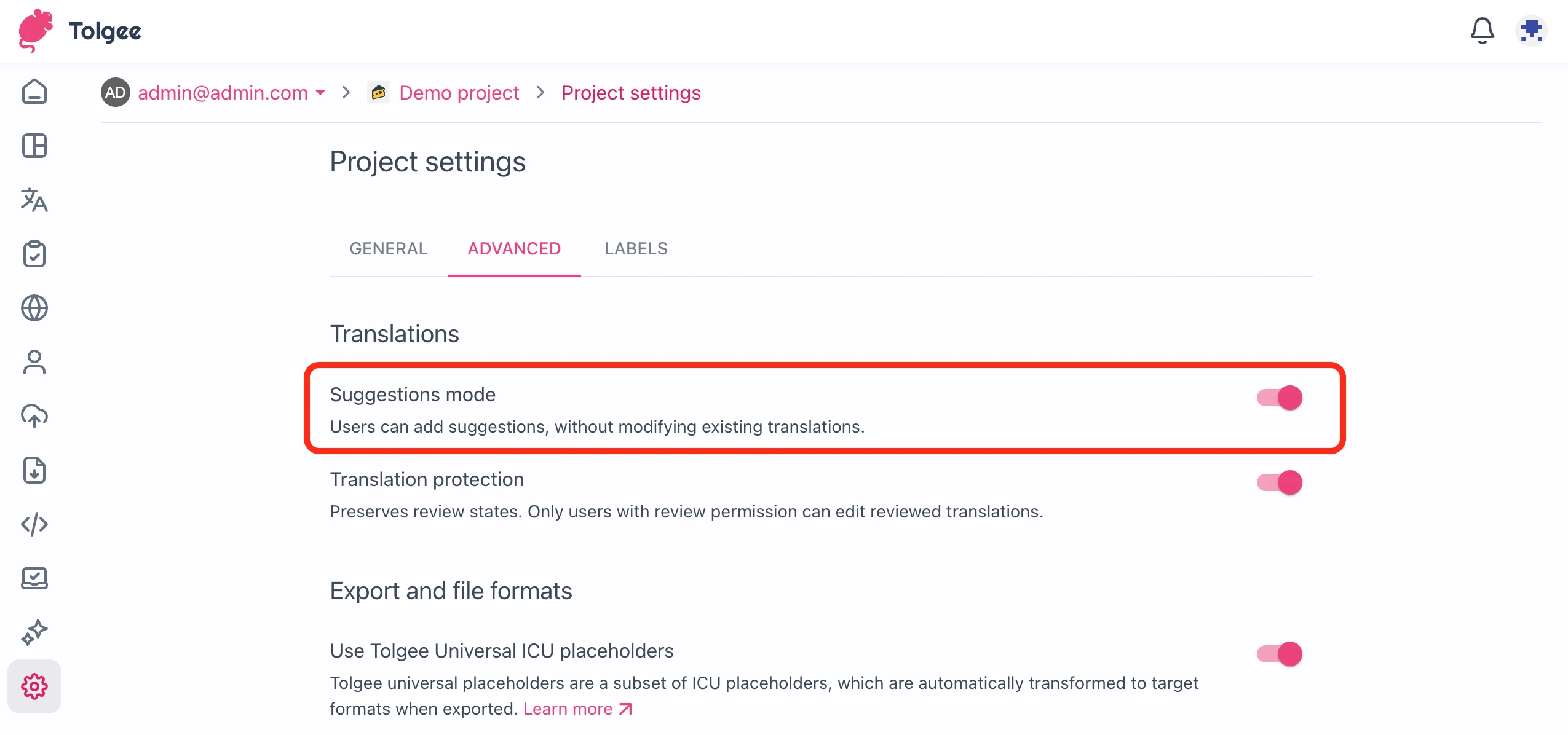
The setting applies to every way of creating a suggestion, not only to the Tolgee platform. While suggestions mode is off, the Create translation suggestion API endpoint rejects new suggestions with the suggestions_disabled error (HTTP 409), and the in-context dialog doesn't offer suggesting. Suggestions created earlier are not lost. They can still be listed, accepted, declined, and deleted.
How to Add Translation Suggestions
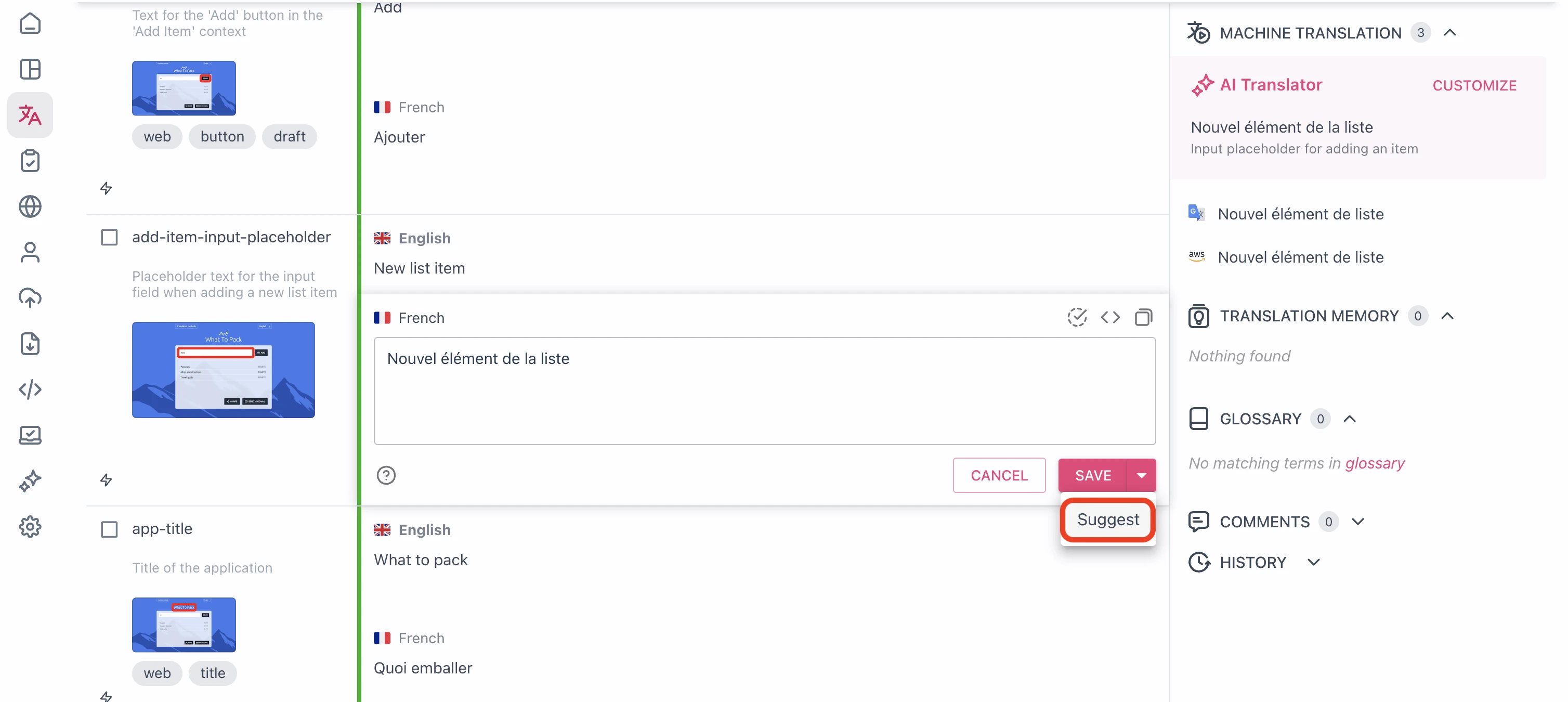
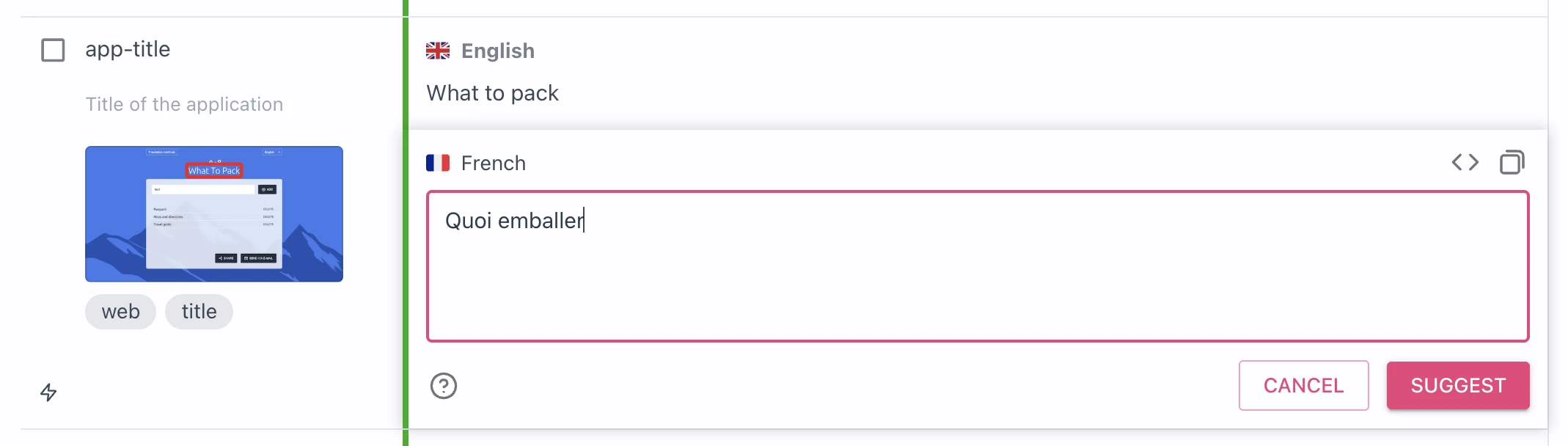
Once suggestions mode is enabled, users can edit a translation or add a suggestion.
Review and Approve Suggestions
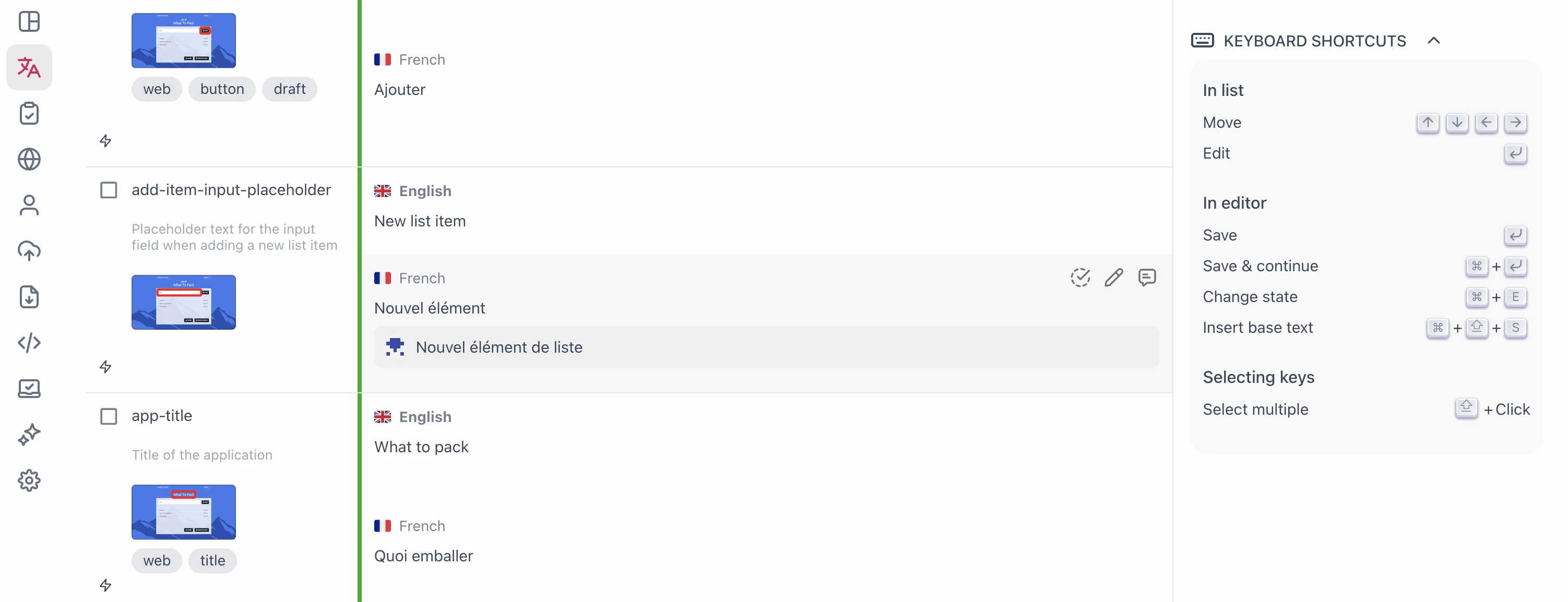
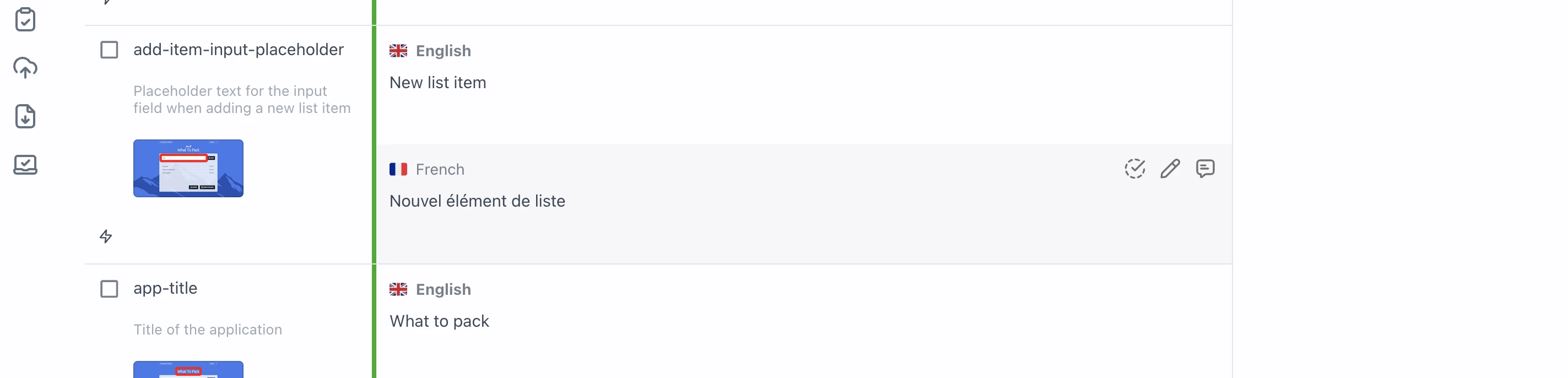
When a translator adds a suggestion, it is visible in the translations view, but not active (meaning if translations are exported, there is still the old translation).
Once a reviewer comes along, they can accept the suggestion.
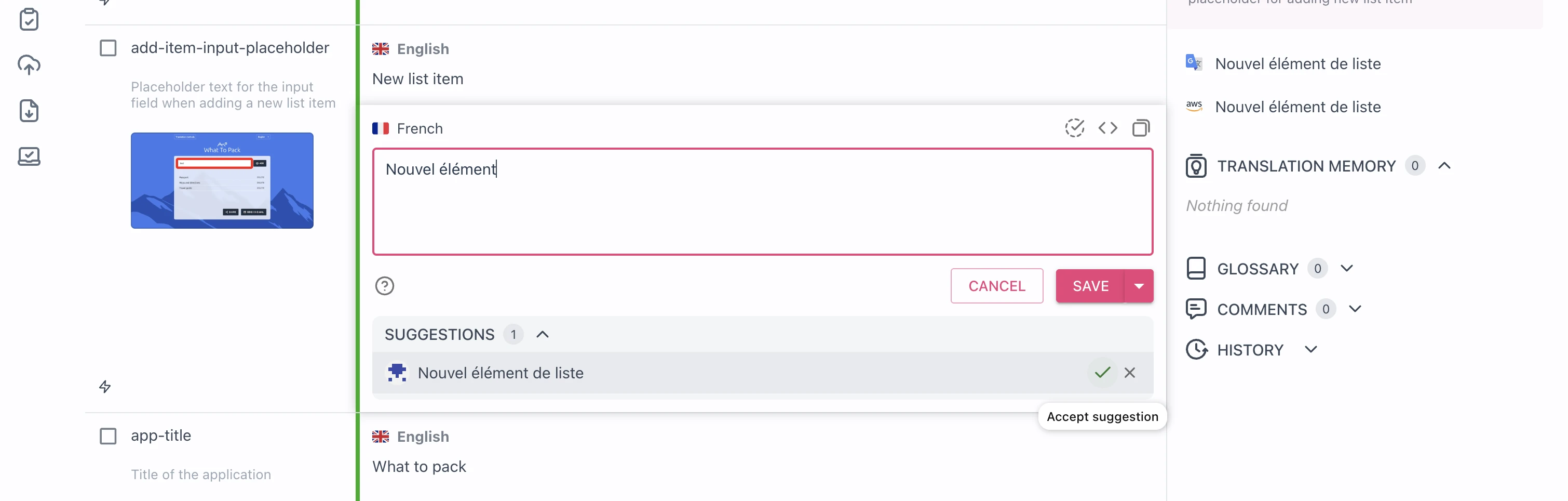
This is the moment when it will replace the existing translation.
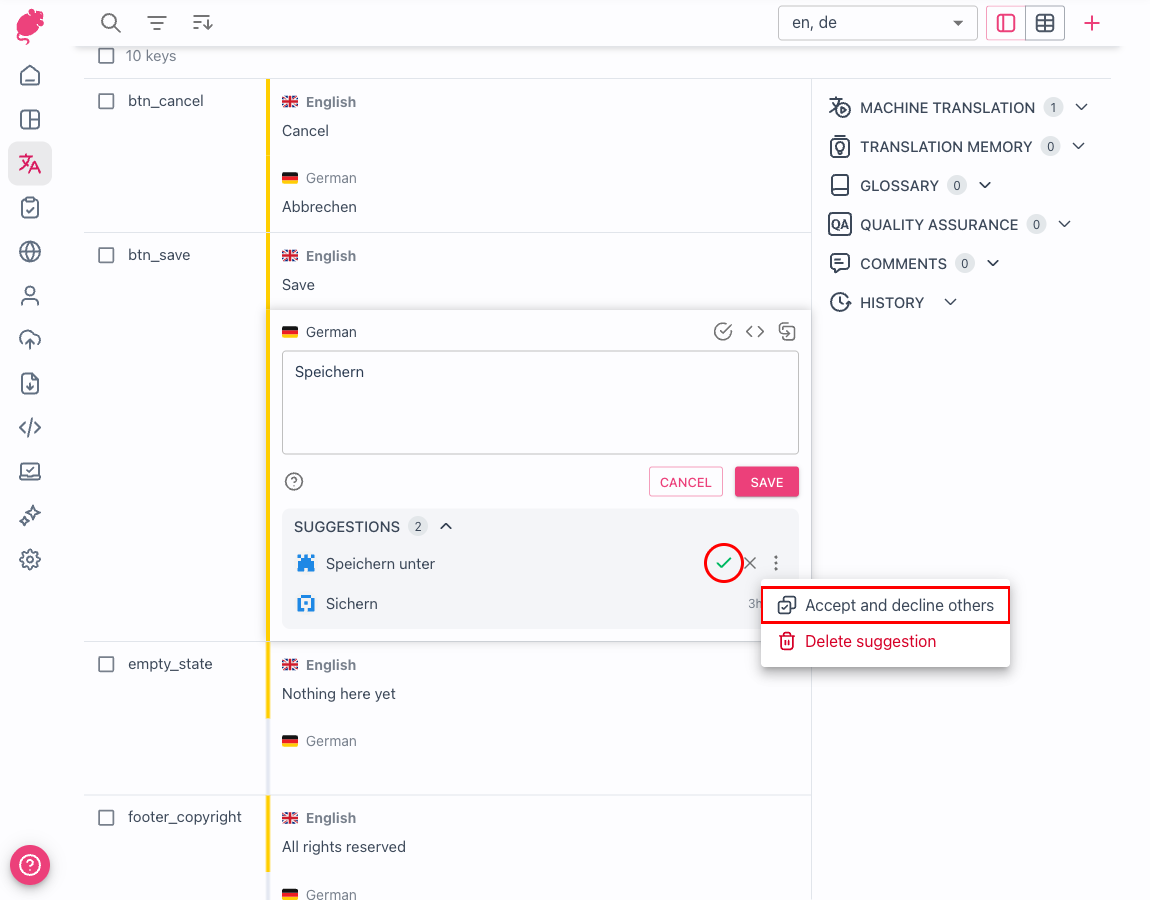
When there are multiple suggestions on a string, you choose how accepting one affects the rest.
- The check mark icon on the suggestion, with the tooltip
Accept only, promotes the suggestion to the live translation and leaves the other suggestions open, so you can keep comparing them. Accept and decline others, in the suggestion's⋮menu, promotes the suggestion and dismisses the competing ones in a single step.
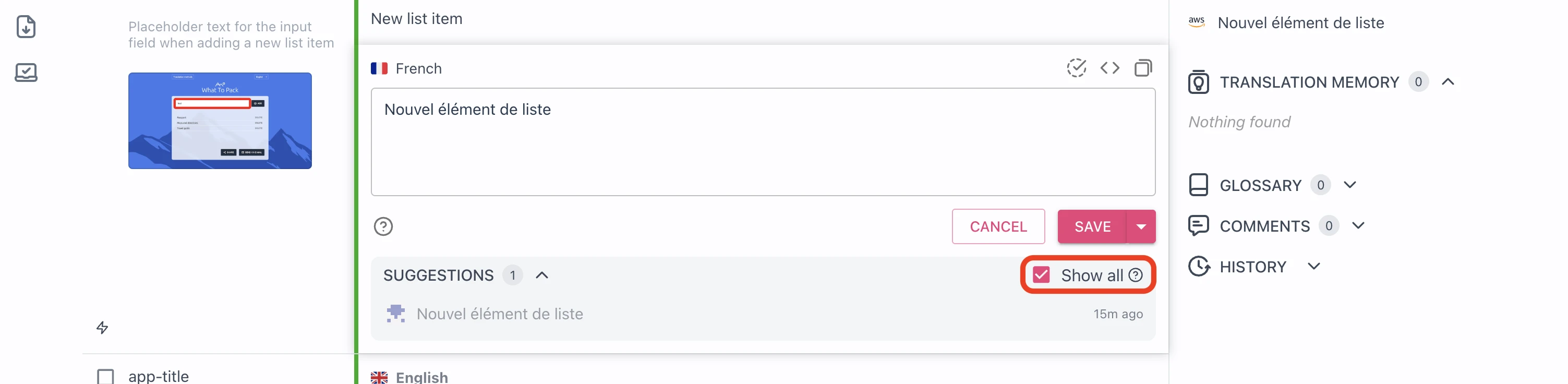
Tolgee shows up to three suggestions on a string at once. If there are more, use Show all to see
the rest. All previously accepted and declined suggestions are also found under Show all.
Protecting reviewed translations
Tolgee offers a mode where translators can only edit non-reviewed translations directly. You can enable this in advanced project settings:
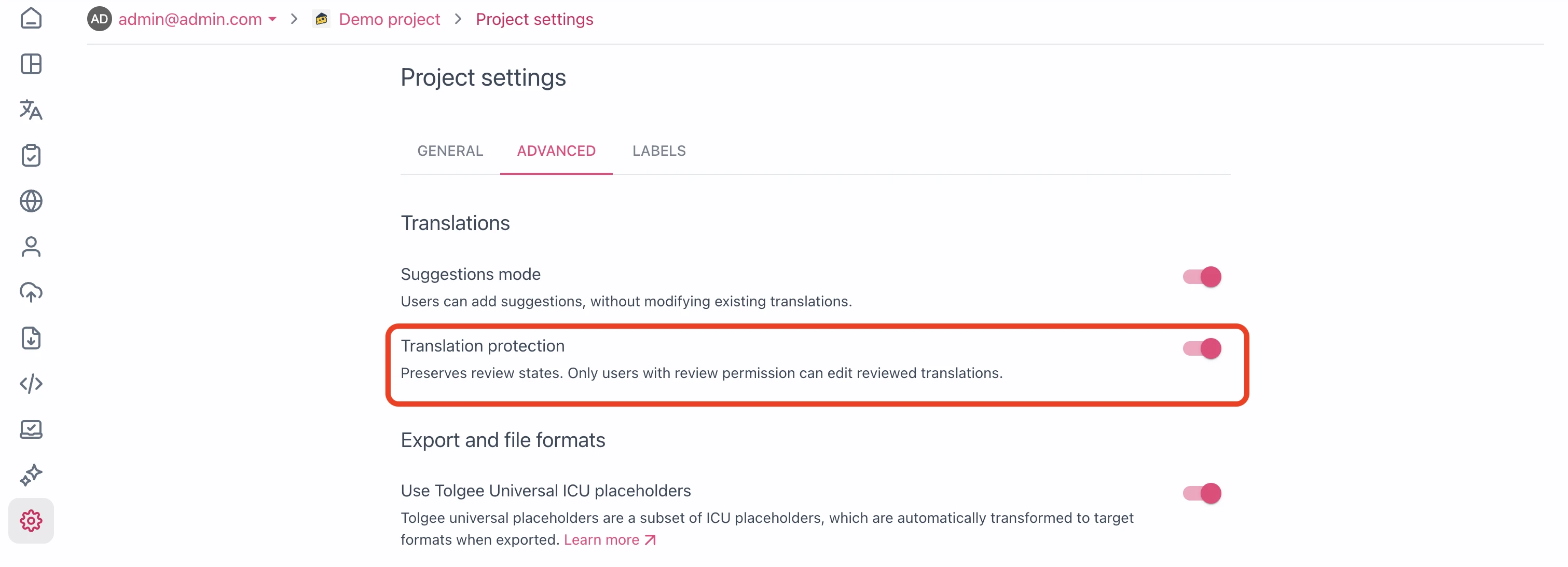
So now, when a translator opens a reviewed translation, they can only suggest.
Granular protection
If you want more direct control over edit permissions and suggestions, you can do it through Granular permissions.
Here you can, for example, only allow the user to Suggest, so they can't edit any translation directly.
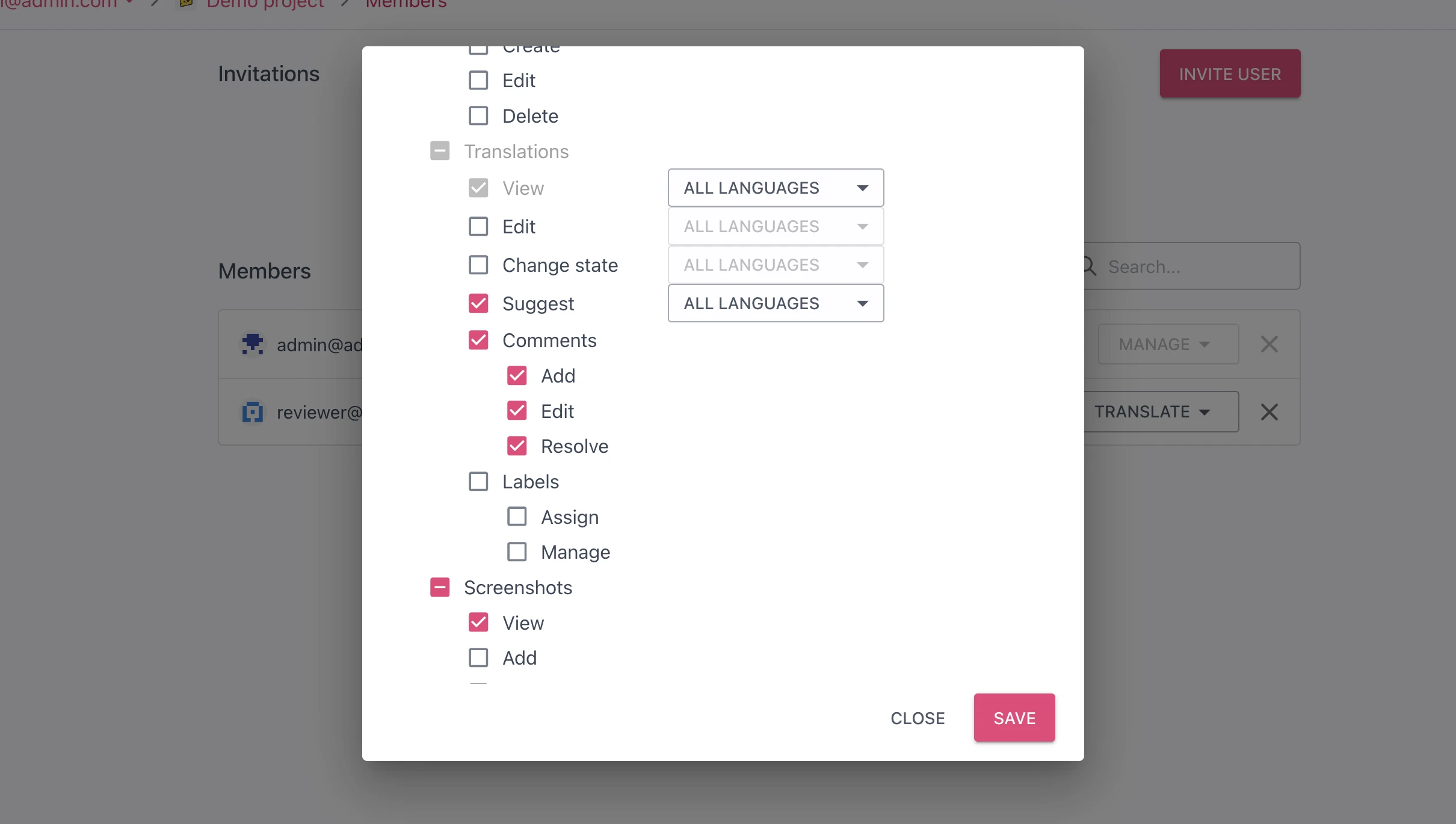
Accepting a suggestion needs both the
Editand theChange statepermission in the language, and declining one needs onlyChange state. TheReviewrole has both.
Deleting your own suggestion is a separate permission, Delete own, in the Suggestions group. Every role from View up includes it. With granular permissions you can withhold it, and then the user can't take back a suggestion once it's sent. The Manage permission in the same group covers deleting anyone's suggestions, including your own.
On a public project the Delete own permission can't be withheld. Everyone with a Tolgee account gets it there as part of the community permissions, including members whose granular permission leaves it out.
API keys and applications connected to your account, such as the Tolgee Tools browser plugin, carry their own permissions. Whatever the project is, they can delete the suggestions you made only when this permission is part of the key or of the access you granted.